

How to announce a concert so people buy on day one
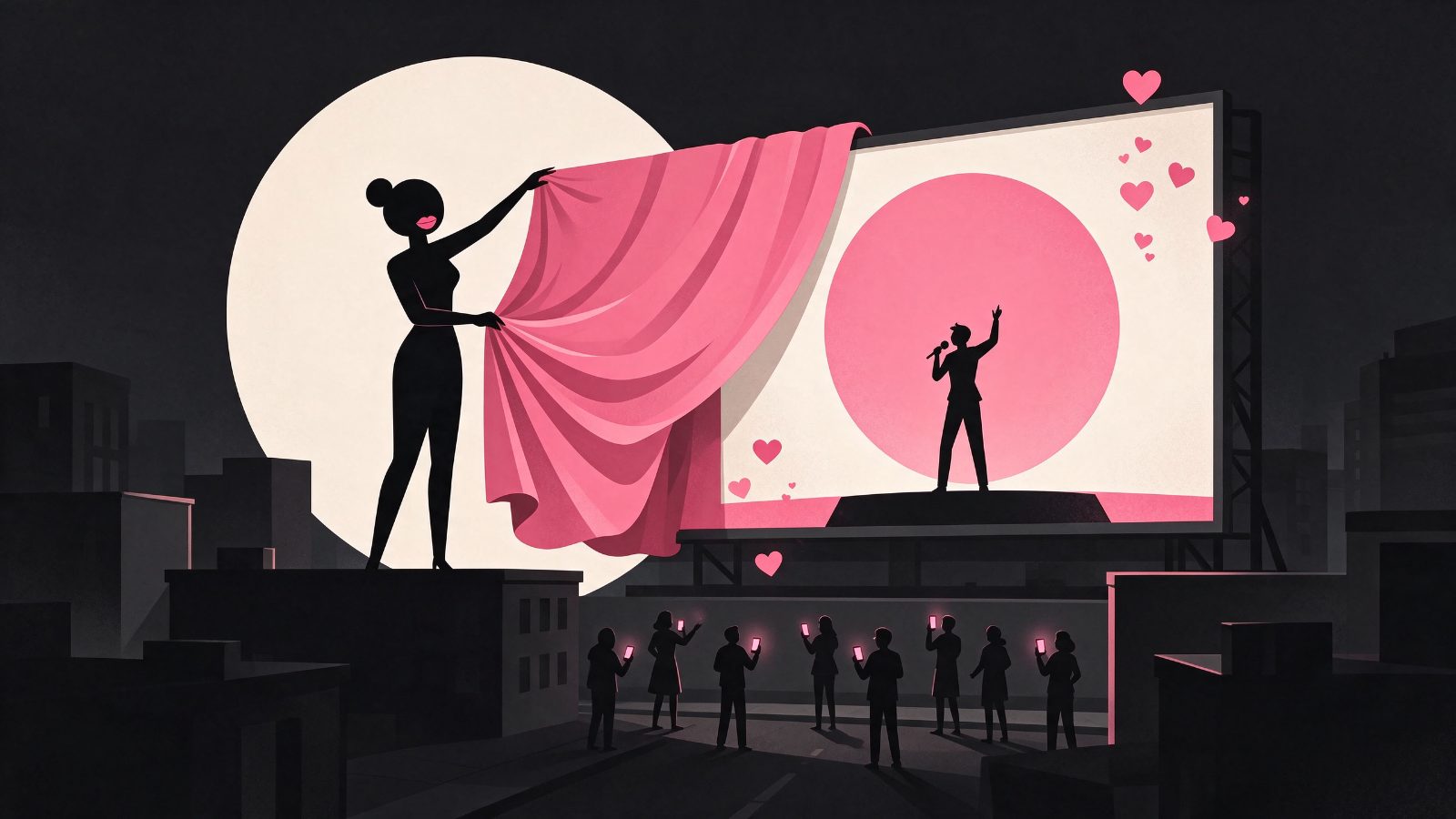
Don't announce a concert in one post. Announce it in three steps: a teaser that makes people curious, a reveal with every fact they need, and an on-sale post at the minute tickets go live. Each step has its own job, and together they make sure people are waiting with their card when the link opens, instead of finding out a week later.
Why one announcement post isn't enough
An announcement has three jobs: get attention, give the facts, and take the money. One post can't do all three at the right moment. If the facts and the link come in the same post as the surprise, the people who saw it on Tuesday have forgotten it by the time payday comes.
Big names can sell out with a plain written post. Dino Merlin's fifth concert at Koševo stadium in Sarajevo sold out in one day, a sixth was added at once, and on 30 March the ticket site logged more than half a million visits (Index.hr). Most concerts are not that. For a local band, a club night or a tour stop in a smaller city, the sequence is what builds the queue.
The other lesson from the region is who carries the message. Jakov Jozinović sold out five concerts at Belgrade's Sava Centar in half an hour, without billboards, TV appearances or media campaigns, on the back of videos fans filmed at his shows (N1). People believe the artist and other fans more than a promoter's poster. Plan the announcement so the artist is in it.
Step 1: the teaser
A few days before the reveal, a short post that asks a question rather than answering it. “Koper, are you free in June?” over five seconds of the band in a dark rehearsal room. A silhouette on a stage. The last chorus of the last show in that city, with “again?” at the end.
Keep it short and keep it a little mysterious. The teaser only has to make people stop and wonder, so the reveal lands on people who are already curious. Don't give the date yet, and don't put a ticket link in it: there is nothing to buy.
Step 2: the reveal
This is the post everything else points back to. It must answer every question a fan asks in a group chat:
- who plays, and with whom
- the city, the venue and the date
- when tickets go on sale, with the exact time
- the price, or “from” a price
- where to buy, as a link
The on-sale time is the fact people forget to post and the one fans need most. “Tickets from Friday at 10:00” lets them set an alarm. “Tickets soon” lets them forget.
Post the reveal from the artist's account and the promoter's together. On Instagram, a collab post appears on both profiles and shows to both sets of followers (Buffer). If the artist will record ten seconds into a phone camera (“Koper, I'm coming in June, tickets on Friday”), use that as the reel. Fans trust a face more than a poster.
Create the Facebook event at the same moment, with the same facts. In a story, add Instagram's countdown sticker set to the on-sale minute: people who tap it get a reminder when it runs out.
One timing rule: post the reveal on a weekday morning (10:00 in the timeline below), not on a public holiday, and make sure the ticket page already exists so the link doesn't lead nowhere.
Step 3: the on-sale
At the minute tickets go live, post again: “Tickets are on sale now”, the link in the first line, a story with a link sticker. Pin it to the top of your profile.
Give each place its own tagged link, so you can see whether the Instagram story or the Facebook event brought the buyers. The free UTM link builder makes one per place in seconds, and our guide to UTM links explains how to read them.
In the days after, keep selling with real facts only: a sector that sold out, a second date added. Never an invented “almost sold out”. Fans notice, and EU consumer law bans falsely claiming something is available only for a very short time to rush people into buying (Unfair Commercial Practices Directive, Annex I).
One design, every format
The reveal goes out everywhere on the same day, and every place wants its own shape. Here is what a concert announcement typically needs:
| Where | Size | Watch out for |
|---|---|---|
| Instagram post | 1080 × 1350 | The profile grid shows only the middle part |
| Instagram and Facebook story | 1080 × 1920 | Keep text out of the top 250 px and bottom 380 px |
| Facebook event | 1920 × 1005 | Keep the date and name near the middle |
| Facebook page cover | 1640 × 624 | Phones show only the middle 1108 px |
| YouTube thumbnail | 1280 × 720 | Three words, not a sentence |
| Eventim header | 1240 × 480 | No ticket seller's name on the seller's own page |
| Web banners | 300 × 250, 728 × 90, 300 × 600, 300 × 50 | The date must read at 1:1 |
| Citylight and billboard | 118 × 175 cm, 504 × 238 cm | Text readable from a passing car |
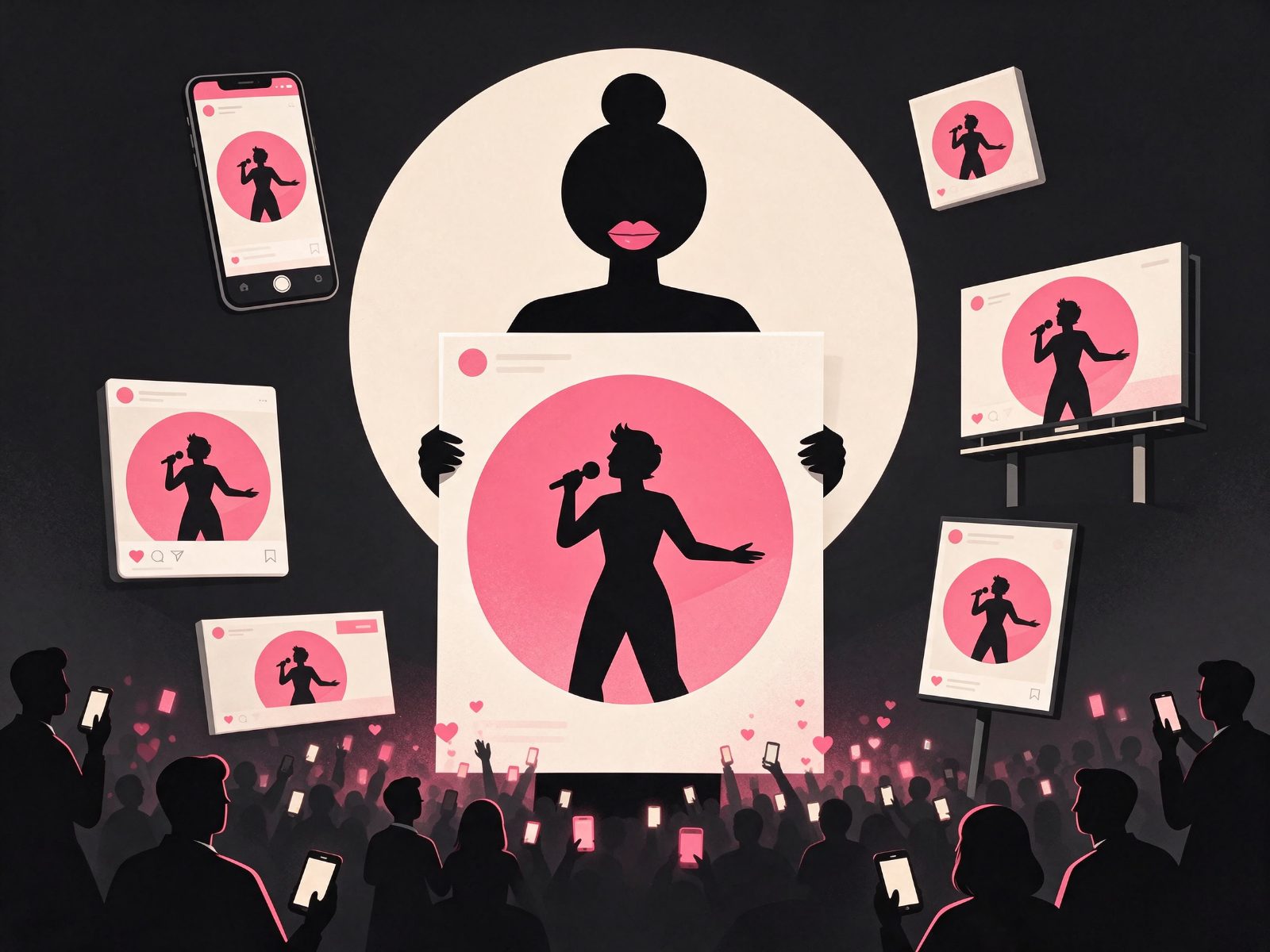
Resizing one poster into all of that by hand is where announcements go wrong: a date cut off on the phone, a name under the story's reply bar, a banner nobody can read. The rule is one design adapted to each shape, not one picture squeezed into every hole. The free poster and post size guide lists every format with its safe areas and the smallest text that still reads.
This is what Kreativa, the design studio in Marketing Mommy, does from one design. For Sergej Ćetković's concert at Festivalna dvorana Lent in Maribor on 5 March 2027, it made the whole set, from a 300 × 50 banner to a five-metre billboard.
A timeline you can copy
| When | Post | Where |
|---|---|---|
| 3 days before the reveal | Teaser | Instagram reel, TikTok, story |
| Reveal day, 10:00 | Reveal with every fact, artist's video | Collab post, Facebook event, story with countdown |
| On-sale day, at the minute | “On sale now”, link first | Every account, pinned |
| The week after | Real milestones only | Stories, a post |
Then the build-up begins, and in the last week, one post a day takes over.
If you'd rather not make all of this yourself, Marketing Mommy can. You send Mommy the facts and a photo. Kreativa designs the set in every format, Mommy writes the posts in your audience's language, and nothing is published until you approve it.